
Composable: Orchestrating Docker Compose Without the Boilerplate
A look into Composable, a modular fragment library and CLI designed to eliminate setup drift and standardize local container workflows.
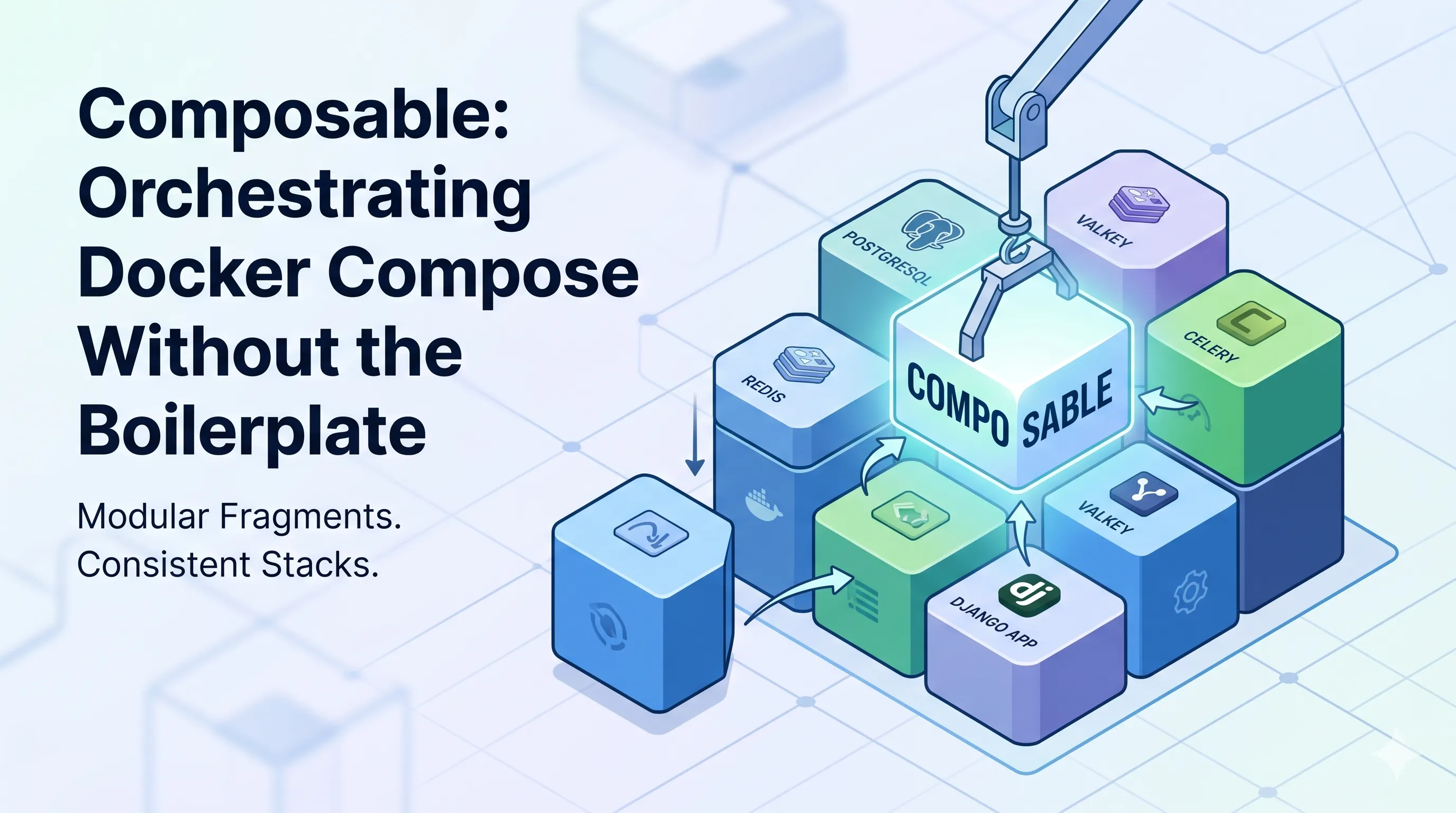
If you’ve managed more than a few containerized projects, you know the “Docker Compose drift”. You start a new project, find an old docker-compose.yml from a previous repo, copy-paste a service definition, and then spend twenty minutes updating environment variables and volume paths. Over time, these fragments diverge, leading to inconsistent environments.
This “copy-paste” cycle is exactly what I wanted to eliminate when I started building Composable.
What is Composable?
Composable is a powerful, modular library of Docker Compose configuration fragments and a streamlined CLI to orchestrate them. Instead of monolithic, brittle configuration files, it treats services as modular fragments—reusable, schema-validated snippets that can be instantly injected into any project.
Beyond Single Fragments: Stacks
Sometimes you need more than just a single database or cache; you need a cohesive architecture. Composable handles this through Stacks, which represent collections of fragments designed to work together as a complete ecosystem.
For example, I frequently use a standard Django setup. Instead of adding every piece manually, I can initialize the entire environment—including PostgreSQL, Valkey, Celery, and Flower—with a single command:
# Set up a complete Django + Postgres + Celery stack
composable stack init django-base
This command automatically fetches the required fragments and links them together, ensuring my local platform is repeatable and maintainable from day one.
Host Your Own Registry
While Composable comes with a verified library of common services, it is designed to be extensible. You aren’t limited to the default fragments; you can host your own registry of fragments and stacks tailored to your organization or personal projects.
By updating your global configuration at ~/.composable/config.yml, you can point the CLI to any number of custom registries:
registries:
  - name: my-private-registry
    url: https://internal.dev/composable-registry
If you want to build your own, the CLI includes developer utilities to help you initialize a custom registry template using the composable dev init-registry command.
Key Features for a Better DX
- 🧱 Verified Fragment Library: High-quality, schema-validated snippets for common services like PostgreSQL, Redis, and even AI models like Ollama or vLLM.
- 🔄 Smart Build & Watch: The CLI automatically injects build contexts and Docker Compose watch configurations for hot-reloading code directly in your containers.
- 🛡️ Environment Isolation: Keeps your primary
.envclean by routing service-specific variables to a dedicated.env.composefile. - 📜 Strict Validation: Every fragment and stack is validated against JSON schemas to ensure stability and catch errors before they hit your environment.
How It Works
The CLI is designed to get out of your way while keeping your compose.yml declarative. By using the --extend flag, Composable integrates services using standard Docker Compose extends syntax rather than just downloading files.
# Search for a service in the registry
composable search postgresql

# Add a fragment and link it directly to your project
composable add compose postgresql --extend
Moving Toward Repeatable Platforms
At its core, Composable is about moving away from “accidental” infrastructure toward designed environments. Whether I’m spinning up a local LLM stack or a complex distributed system, I want the confidence that my platform is repeatable.
If you’re tired of the “manager soup” of one-off scripts and manual setup steps, give Composable a try.
You can find the project on GitHub or install it directly via npm: npm install -g @voidrot/composable.
Tags
References
- Composable GitHub Repository
The official source code for Composable.
- Composable Documentation
Detailed information on commands, fragments, and stacks.
Feedback
Thoughts or corrections? Drop me a line at [email protected] or find me on GitHub at voidrot.
Content disclaimer
A note on AI: To assist with editorial review and visual elements, AI tools may be utilized in the creation of these posts. Technical insights and opinions remain entirely my own.